 Agoro Games
Agoro Games × JUPITER Spatial Reality · JUPITER SR 3D Frame
Day one on the JUPITER 3D Frame
The frame arrived on 20 October. By the evening, two of my Unity apps were running on it.
I'm Daniel Duroshola, the developer behind Agoro Games. This page shows what I built in the first day with the JUPITER SR 3D Frame, a glasses-free (autostereoscopic) 3D display: a frame test app that steers the 3D view with your head, and a companion app for my co-op game Agoro Road Crew that switches to 3D on its own when it runs on the frame.
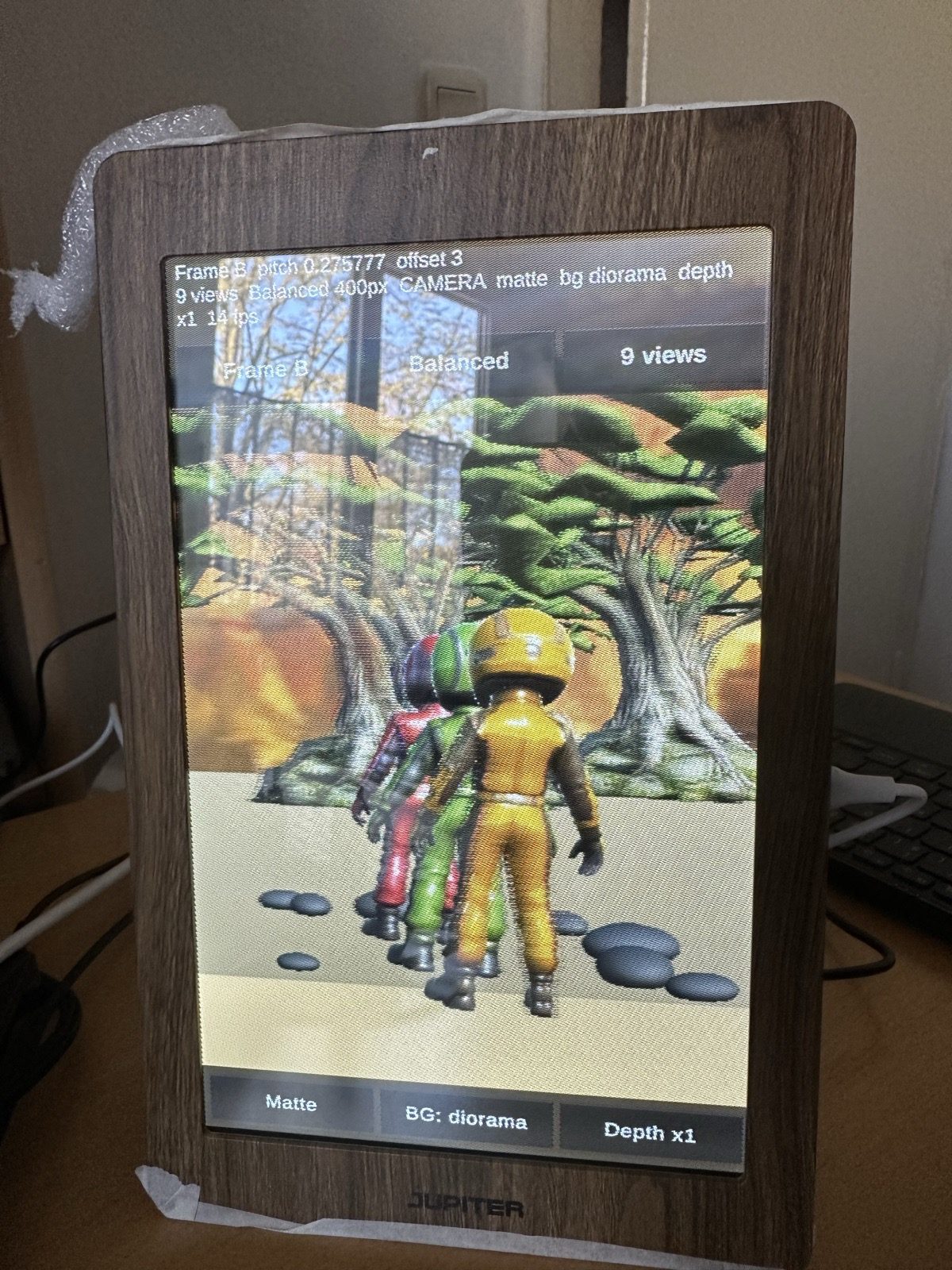
See the depth
What the frame sees, frame by frame
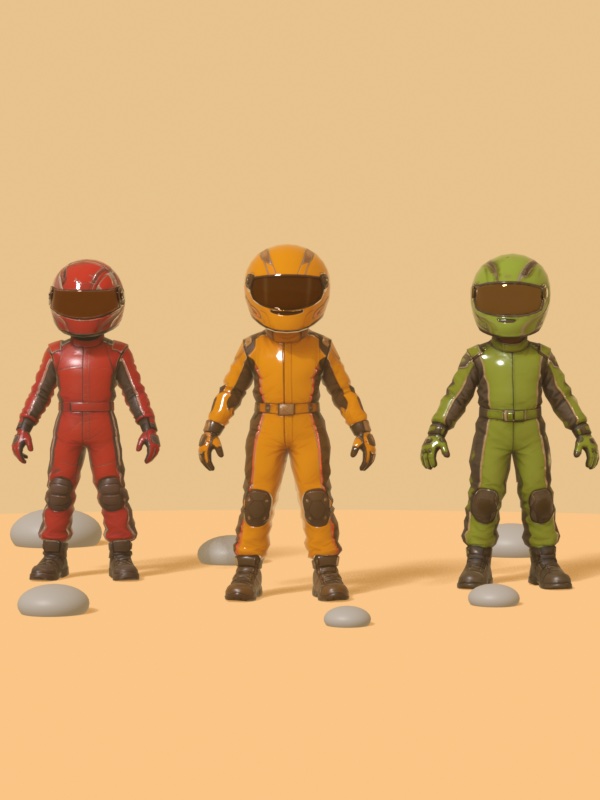
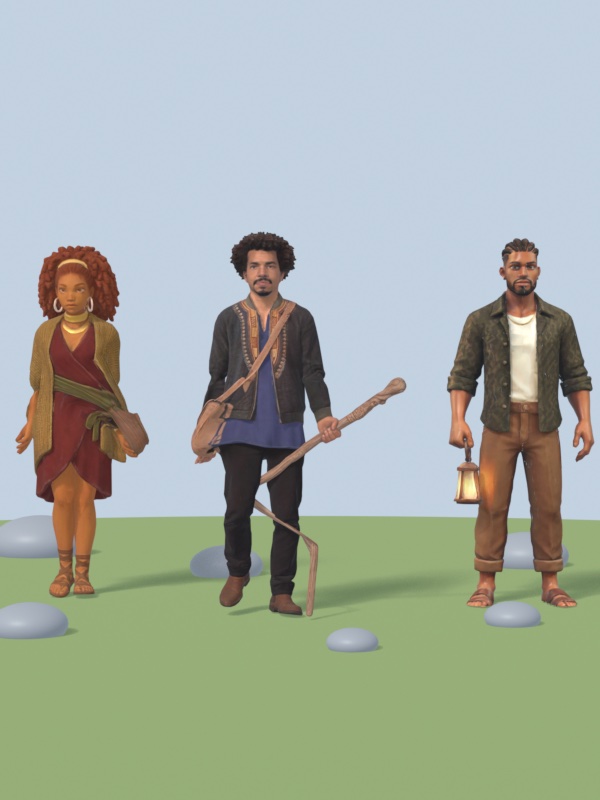
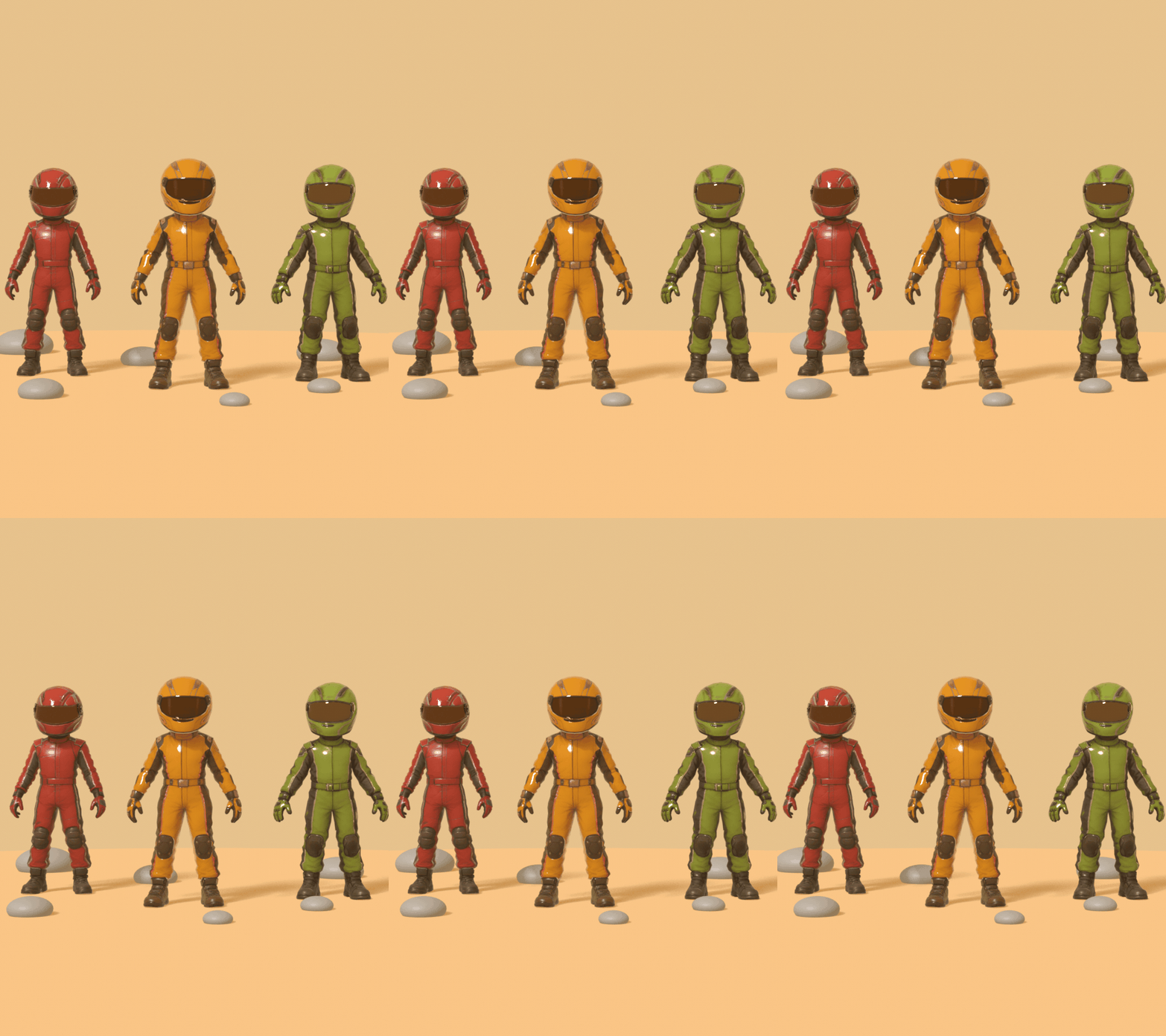
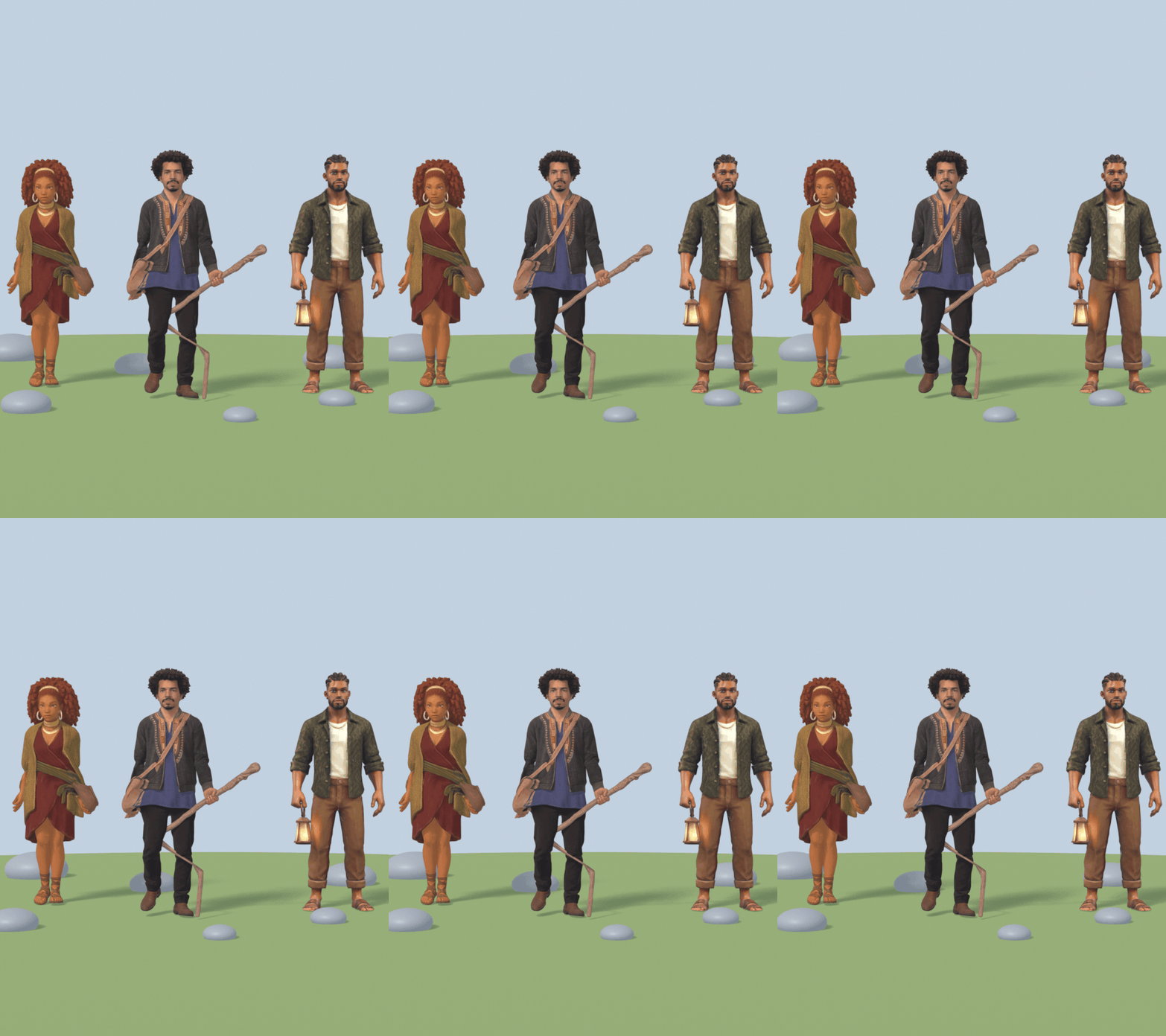
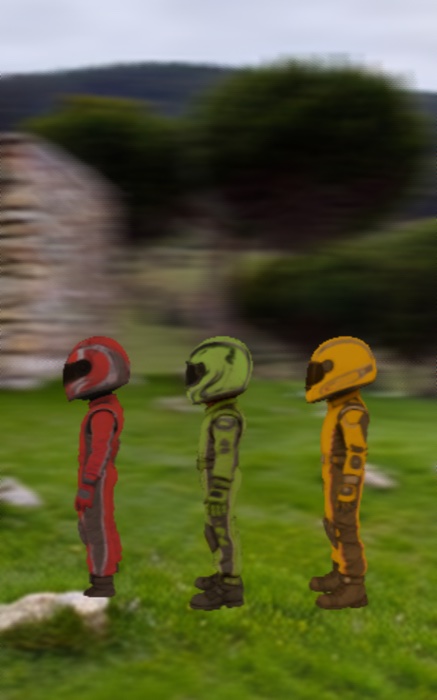
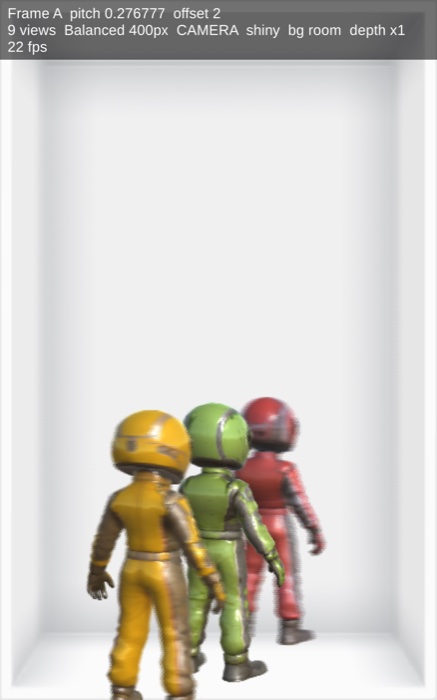
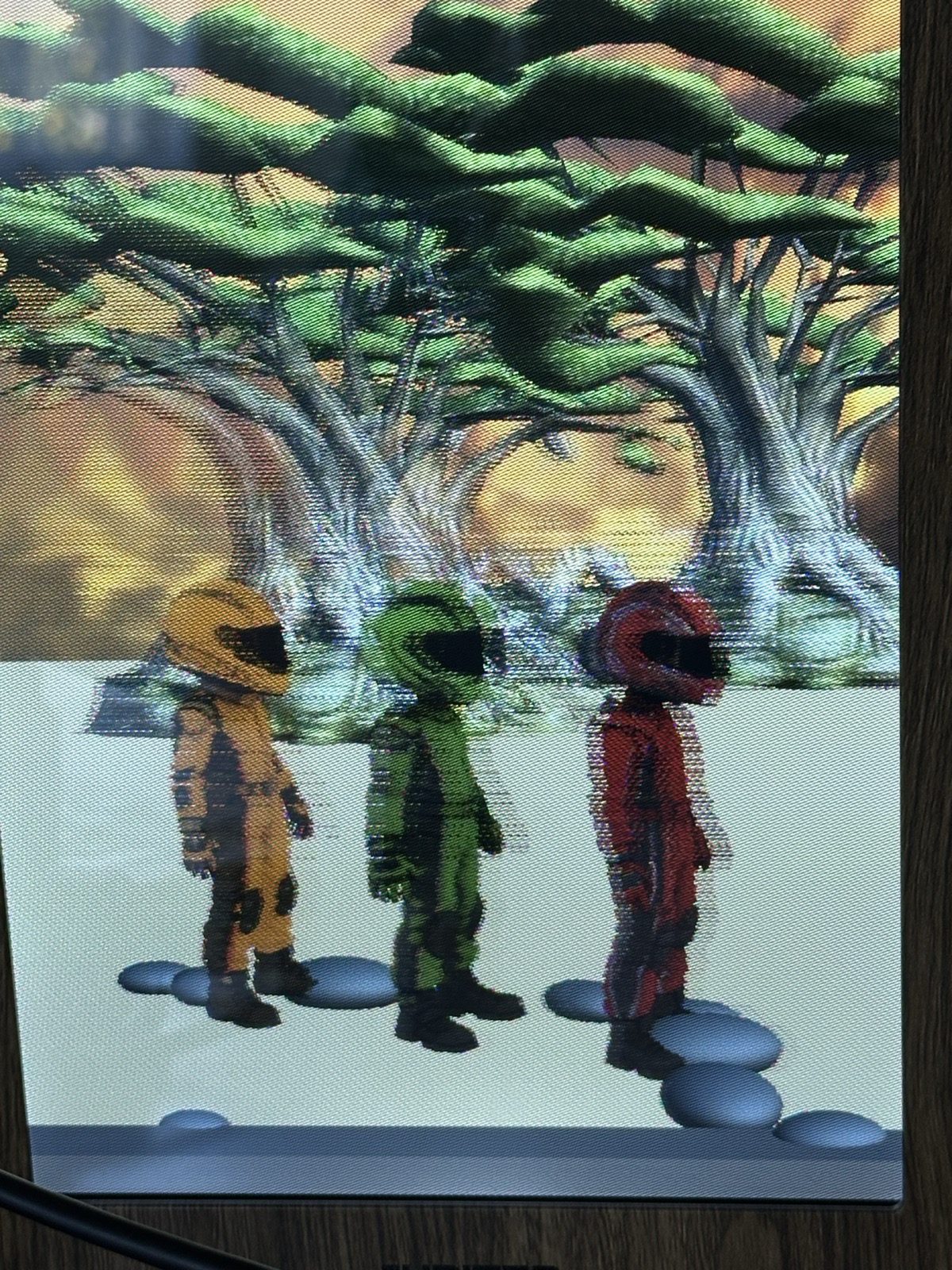
A photo of a glasses-free 3D screen looks flat, so these clips play the frame's view set one view after another. Each one is a set of nine off-axis views, rendered from the same models the apps use, with the sharp plane placed on the characters. That plane is the only one the frame shows fully sharp.
App 1 · Unity 6
Jupiter Frame Test
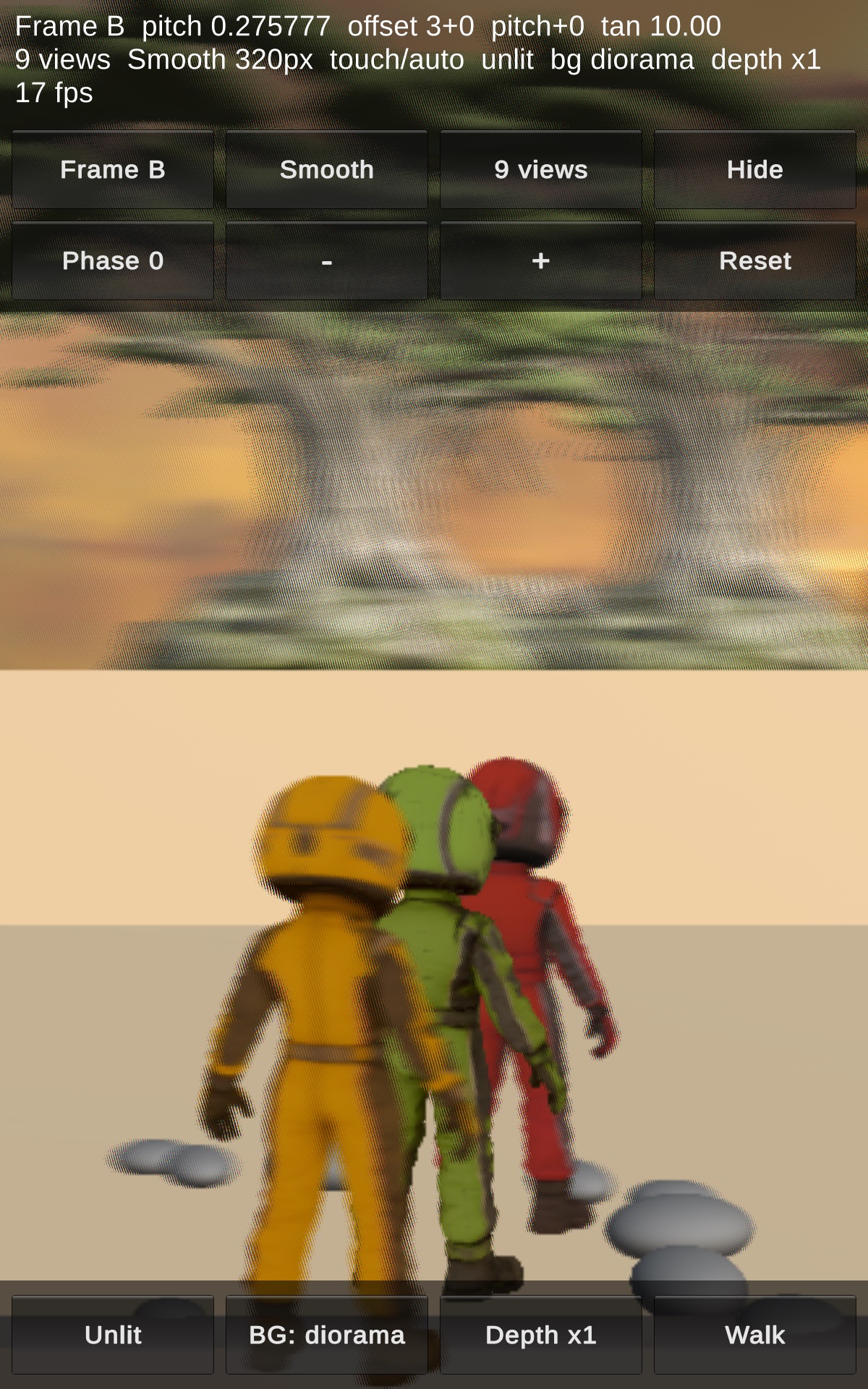
A test bench I built to learn what makes a scene look good on the frame. It's a native Android app made in Unity, not a WebView. It runs the JUPITER interlacing directly on the frame's GPU.
- Interlace ported to Unity: the JUPITER Interlace SDK v1.0.0 (Three.js) shader, rebuilt as a Unity shader. 9 views, 30 views or 2D, using each frame's own Pitch / Offset / Tan from its label.
- Live calibration: Phase, Pitch, Tan and tracking can be tuned on the frame. Quality runs from Smooth (about 30 fps) to Max (1200 px), and Auto drops the resolution while things move.
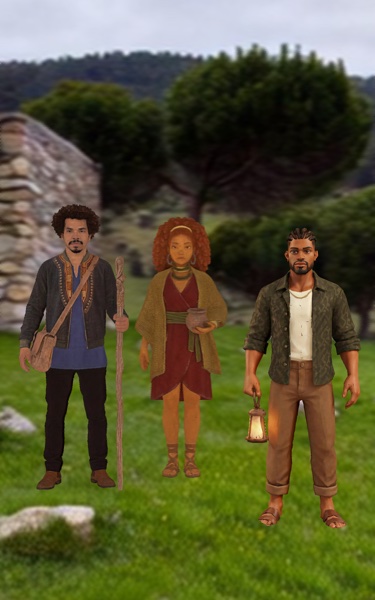
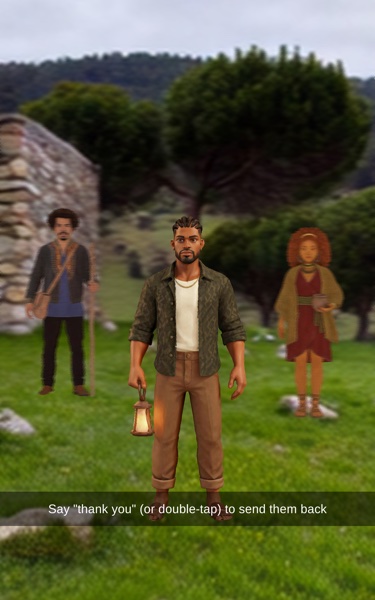
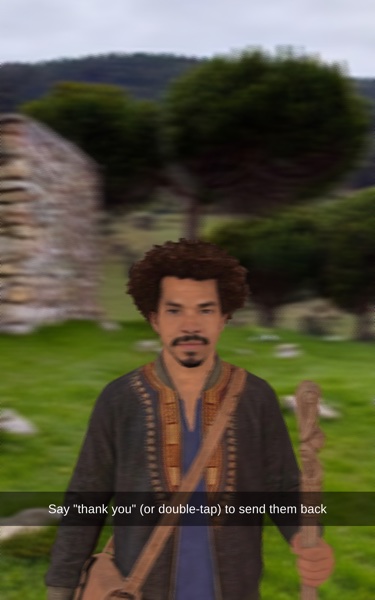
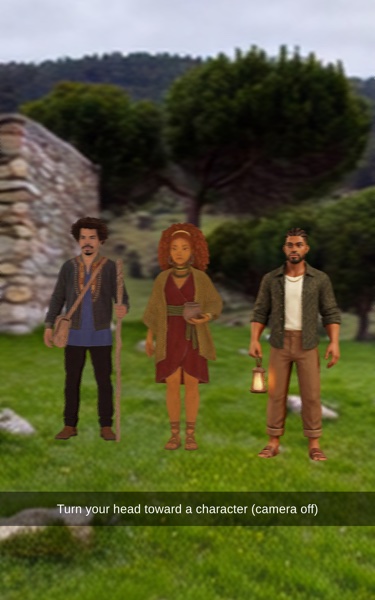
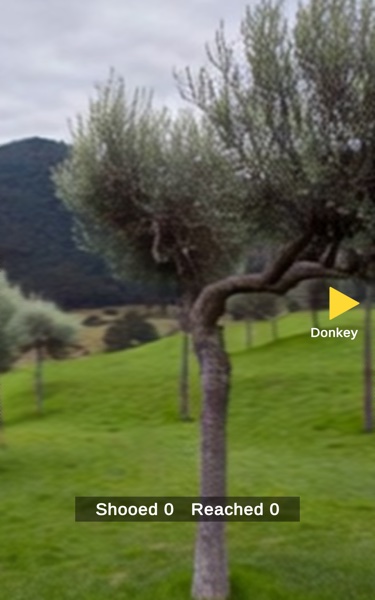
- Head modes: Spin, Window (look around the frame edge as if through a window), Look (turn your head to turn 360° through a real camp panorama), Drag and Pick. In Pick mode you hold your head toward a character for 3 seconds and it walks onto the sharp plane for a close-up. Say "thank you" to send it back.
- Head tracking: a Mac webcam with MediaPipe face landmarks sends head position and yaw to the frame over Wi-Fi.
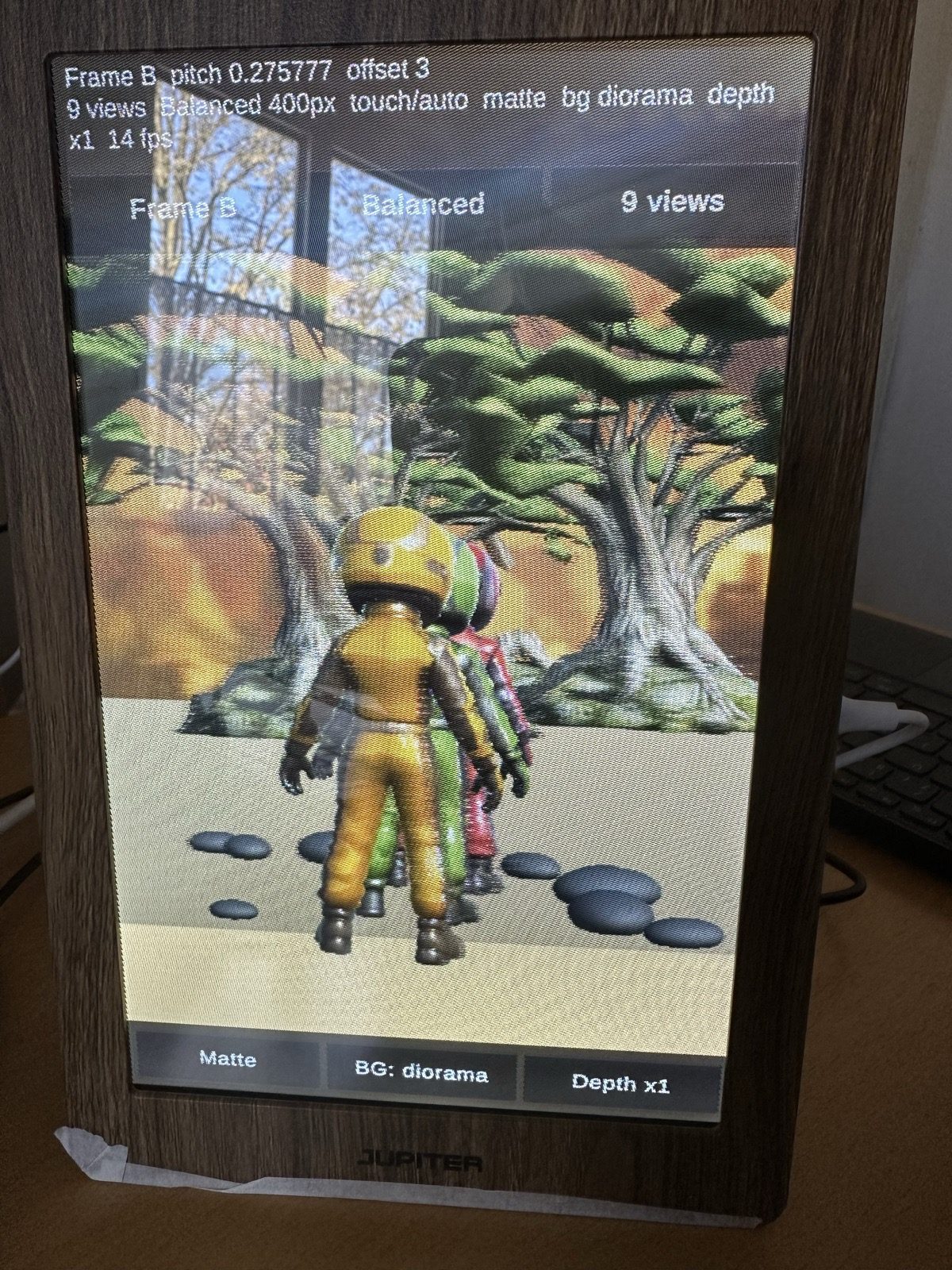
- Worlds: a white room (from the dev kit), a painted diorama, and a 10 m depth panorama of the real arrival spot of my camp in Portugal (2022).
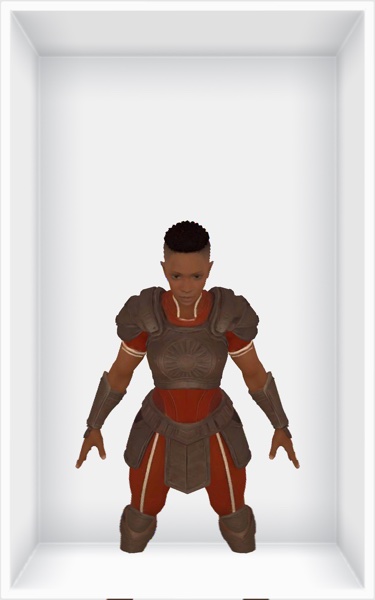
- Casts and a mini-game: the racing kids, Daniel + Amara Sol + lantern Kai, an armoured fighter from my arena game, and "shoo the donkey" in Look mode. Sound plays through a Bluetooth speaker paired to the frame.
App 2 · Unity 6
Agoro Road Crew Companion
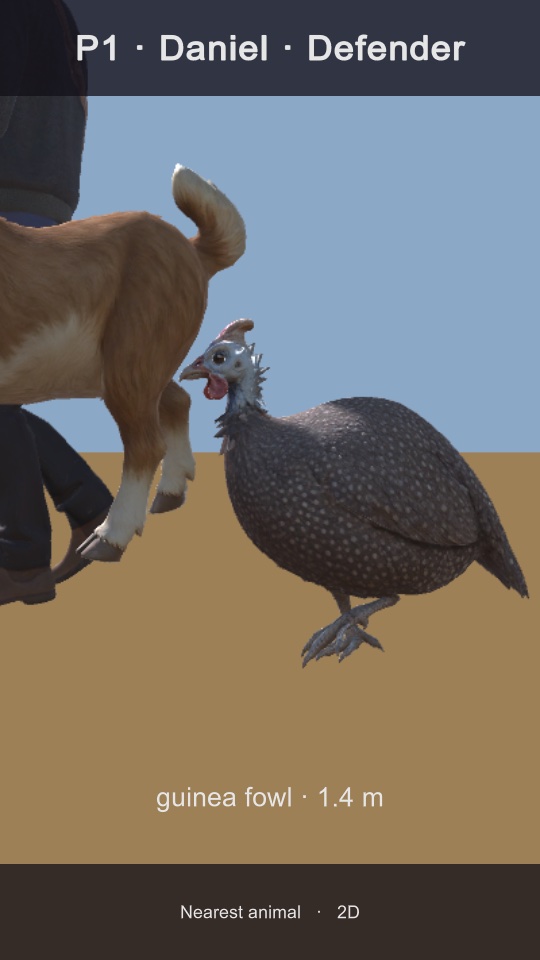
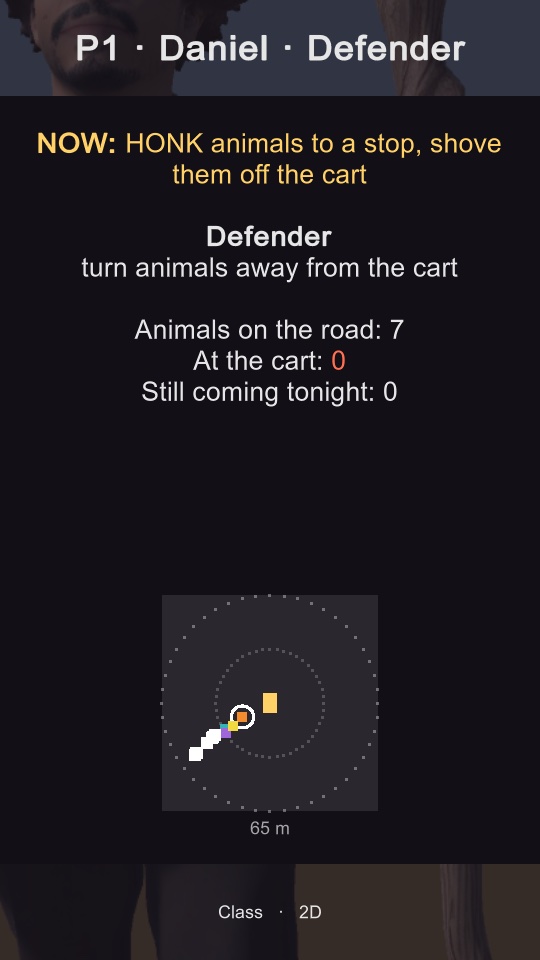
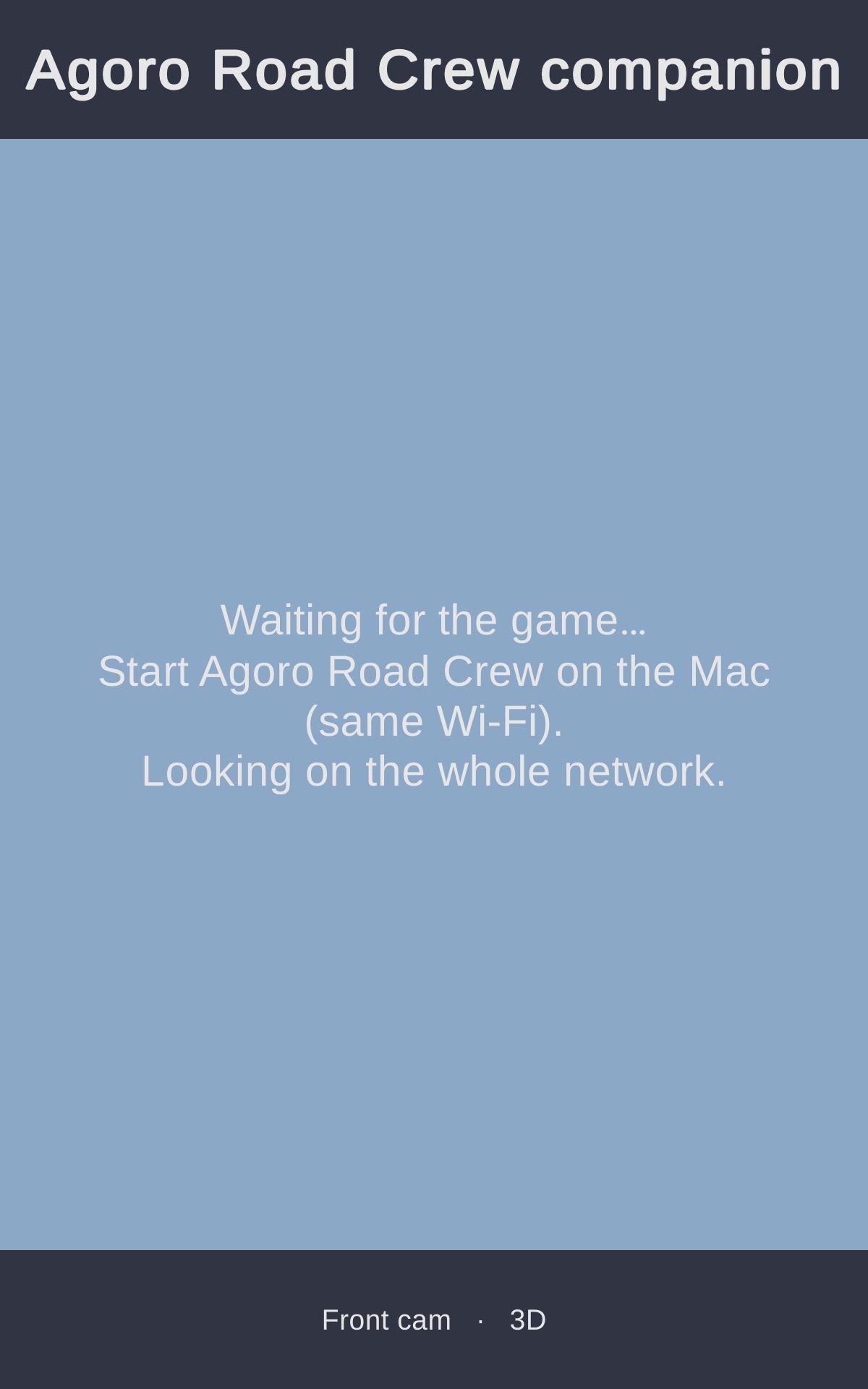
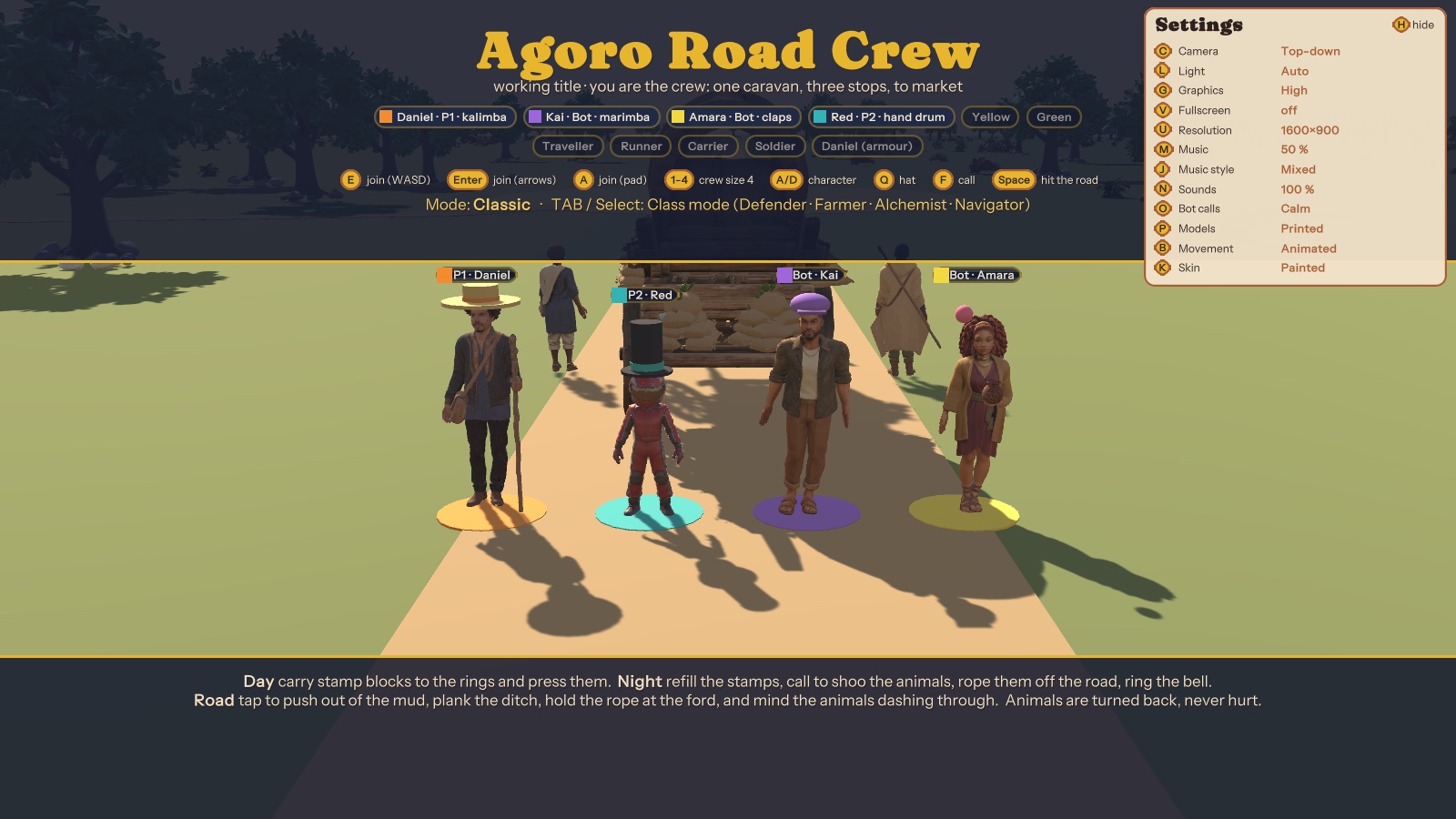
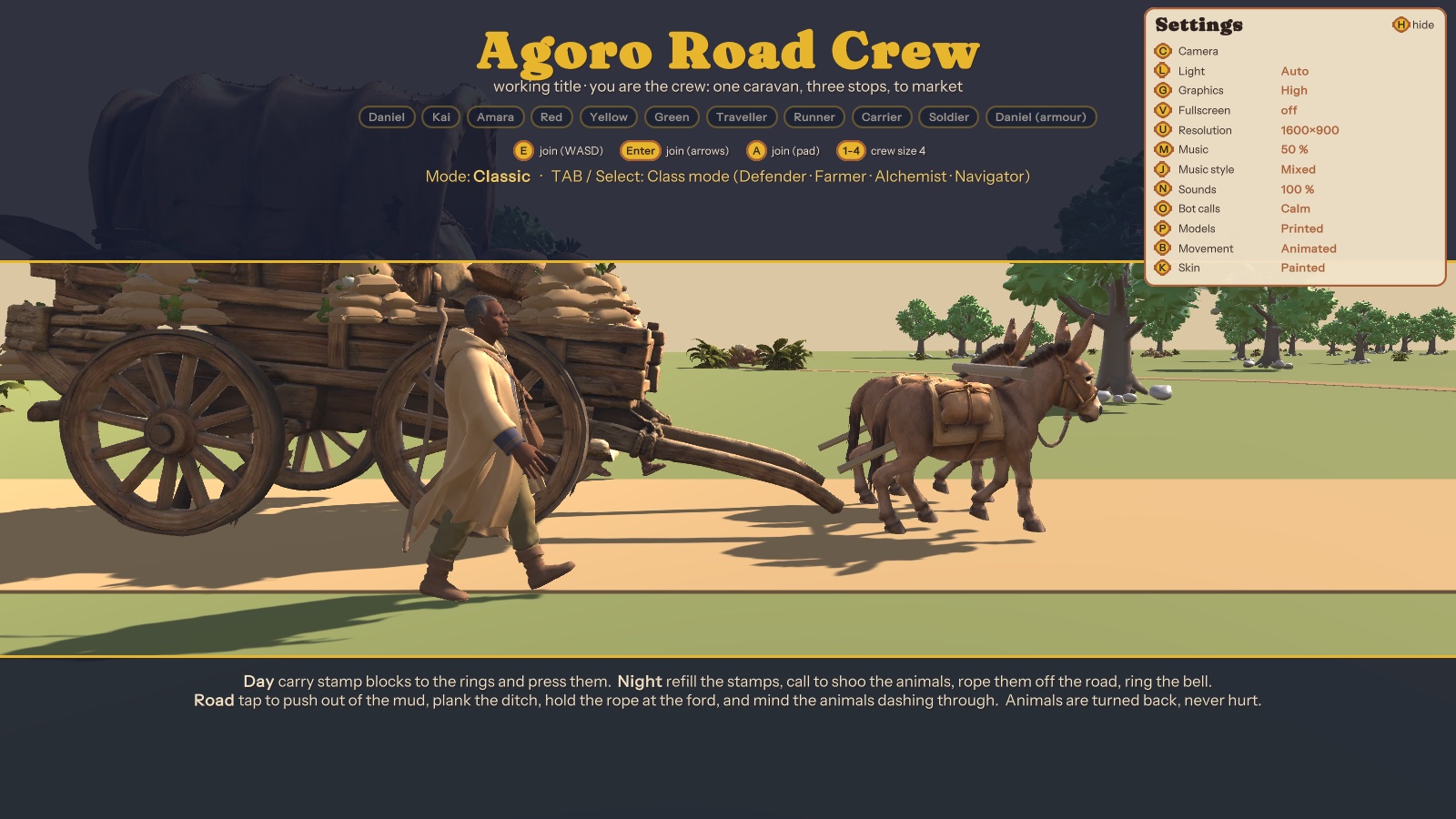
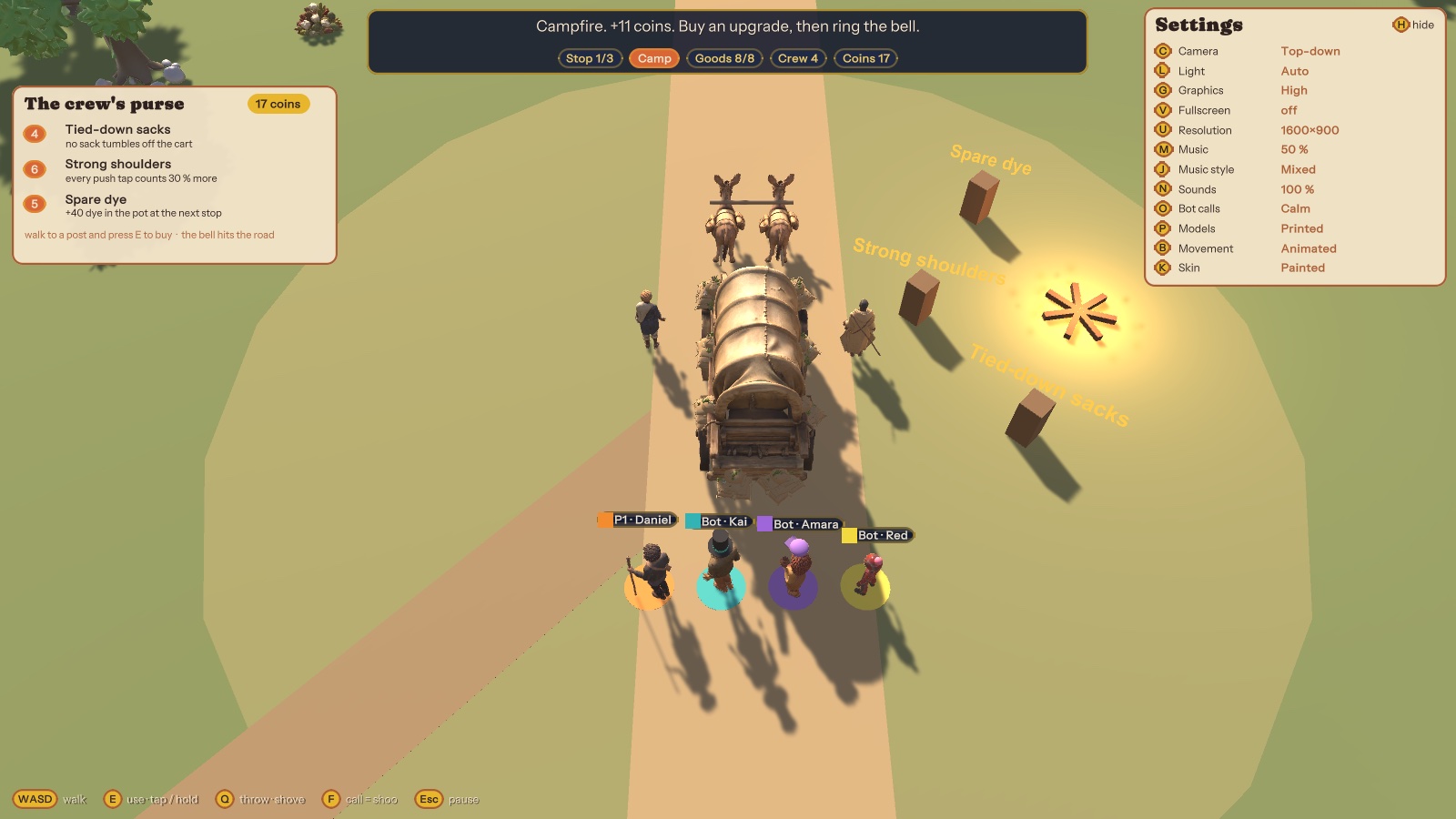
Agoro Road Crew is my local co-op game: up to four players are the crew of one caravan, pushing it along a road to market while animals try to raid the cart. The companion is a second screen for each player. It's one app: 2D on a phone, and on the JUPITER frame it turns to 3D by itself.
- Zero setup: the app finds the running game on the same Wi-Fi by broadcast, with no IP to type. The game streams a small live feed (about 15 updates a second).
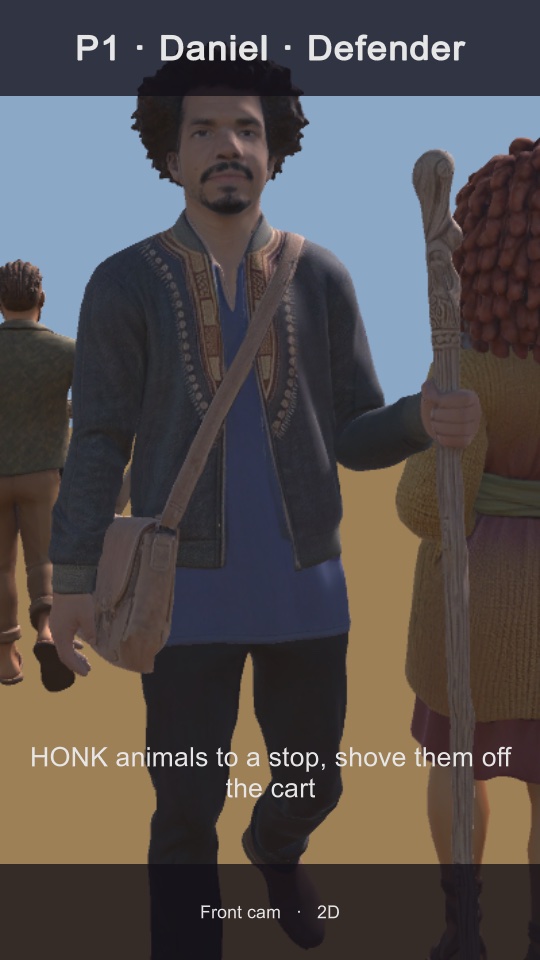
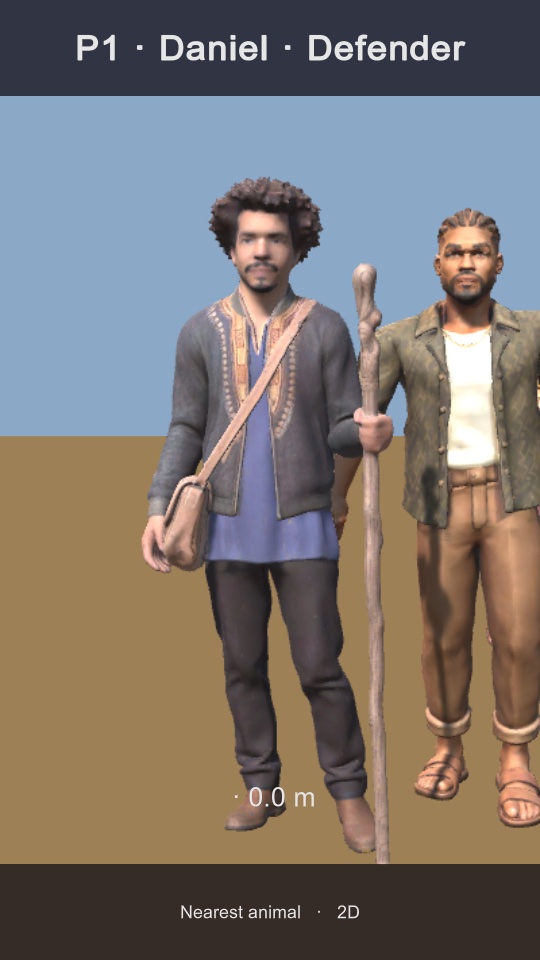
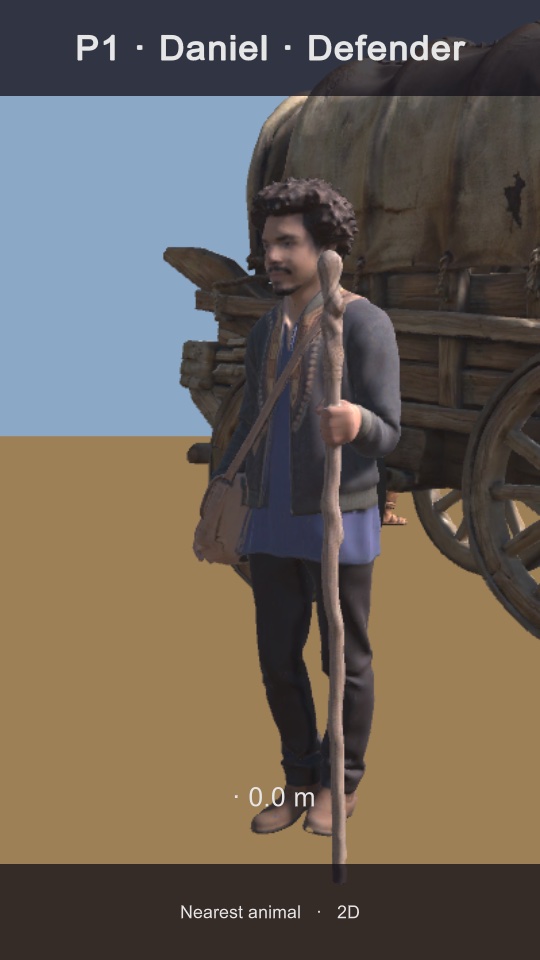
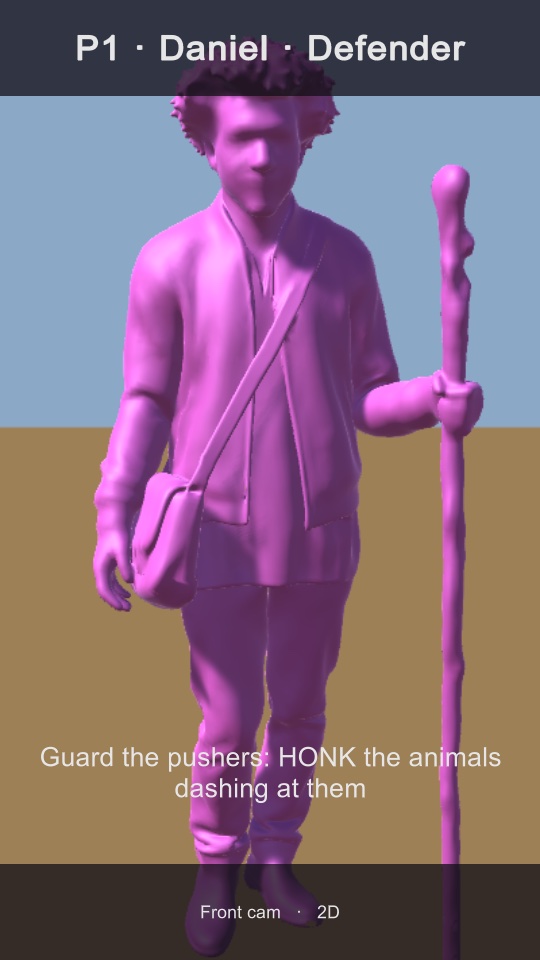
- Three views: Front cam (your character from the front, running toward you), Nearest animal, and a Class page (Defender radar, Farmer, Alchemist, Navigator) with a "NOW" line telling you what your class should do right now.
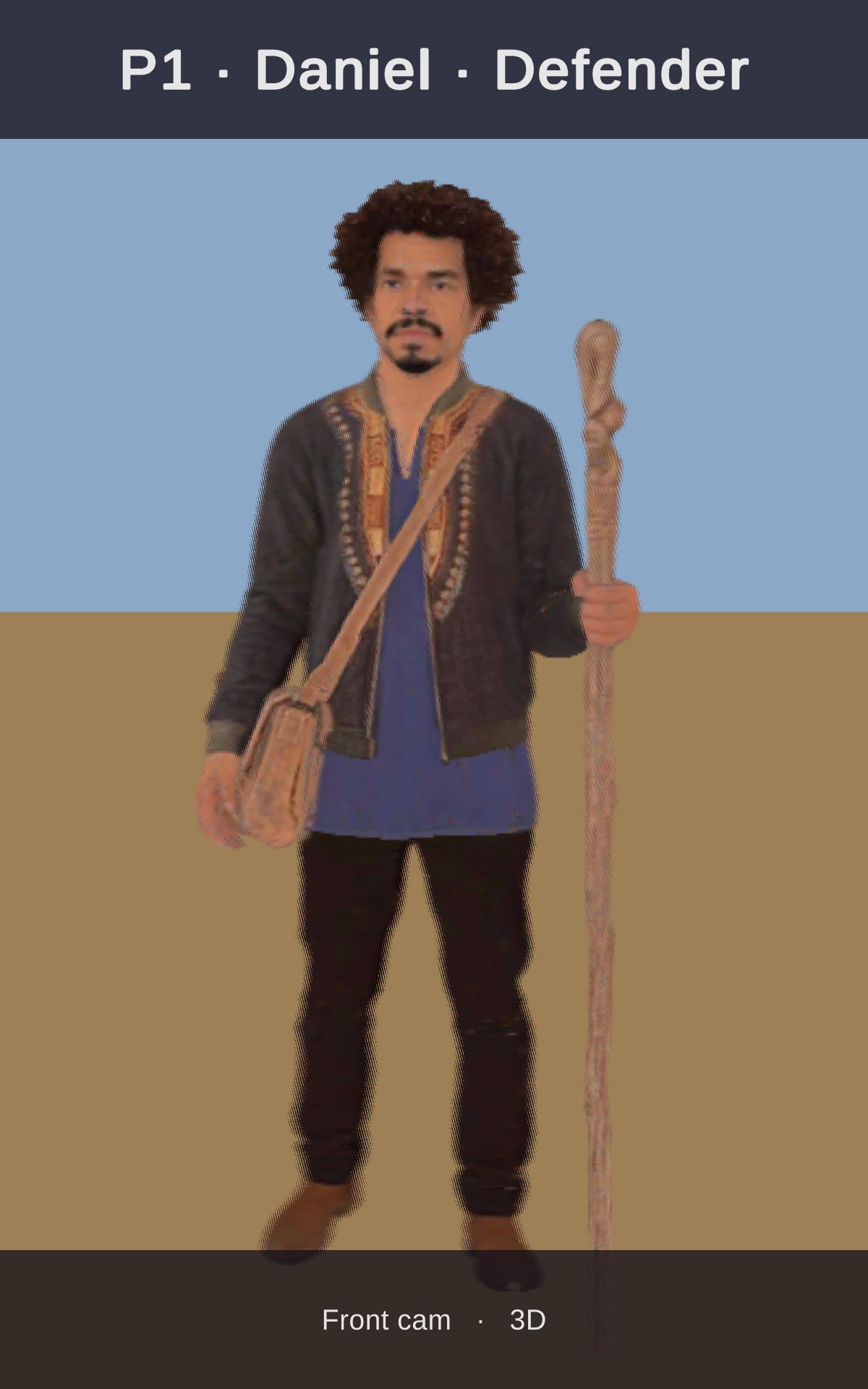
- 3D on the frame: unlit shading, a calm camera with a fixed sharp plane, and it mirrors the game's settings (figurine movement, the magenta "3D-printed" skin, the cart models).
- Touch: top of the screen switches player, bottom switches view, long press toggles 2D / 3D.
"I now see myself running around in the frame interactively."
Me, on the evening of 20 October, playing the game on the Mac with the companion on the frame
The hardware
Photos from the desk
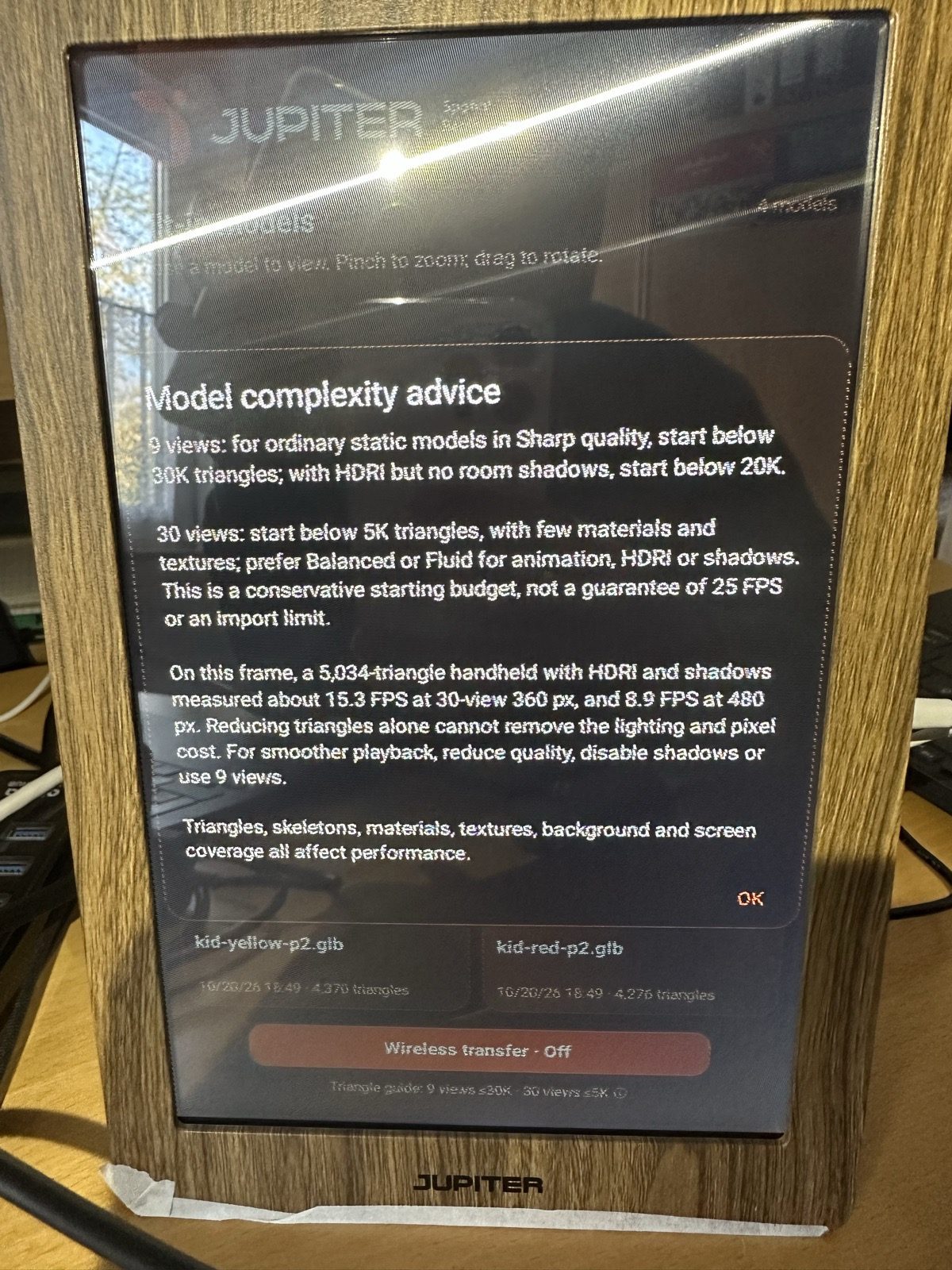
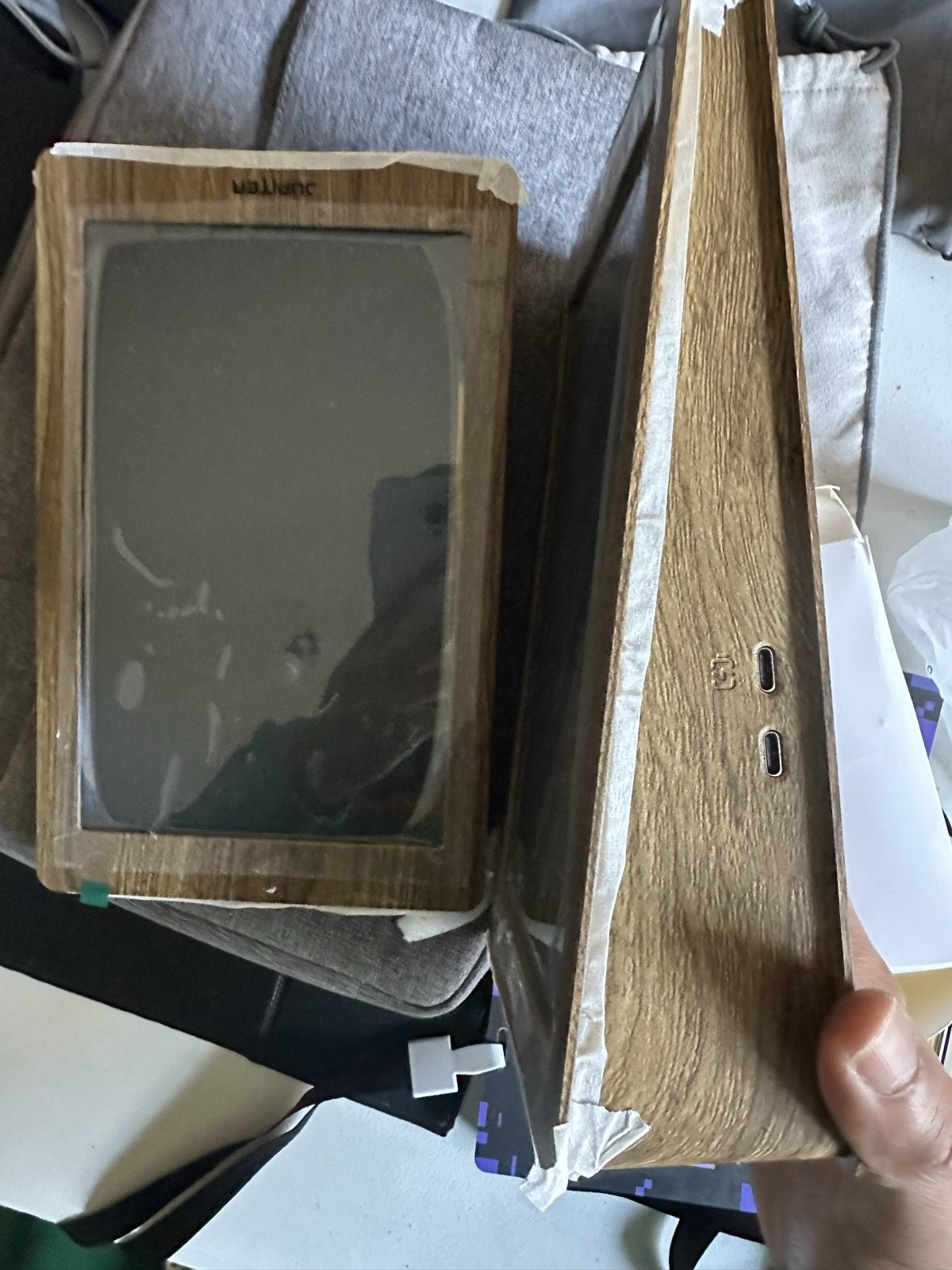
Two frames arrived. Each one has its own calibration label on the back, and the app keeps a preset for each unit.
Notes for the JUPITER team
What I learned on the device
I found these by building and looking, not by reading the docs. I'm sharing them in case they help the next developers.
Sharp only at the zero-parallax plane
Put the subject on it. Detail far behind it (trees 10–17 m back) ghosts. A depth clamp of about 10 m and a depth factor of ×0.25–0.5 make the smearing nearly invisible.
Unlit beats lit
A lit shader's rim light reads as a silver outline around every character. Unlit shading (keeping dark materials dark) removes it.
The sweet spot is positional
Phase moves the view horizontally, Pitch vertically, and Tan sets the distance. Sitting off-axis smears everything, so head tracking pays off.
Pop-out, honestly
Characters leaving the screen in marketing shots are composites. The honest version is a ledge on the bottom bezel at the screen plane, with a character leaning over it.
Depth panoramas beat meshes
A photogrammetry-style world mesh falls apart when decimated. A depth panorama turned into a "window" mesh keeps the real place readable.
Sound via Bluetooth
The unit I set up plays nothing through its built-in speaker, even at full volume. A Bluetooth speaker paired to the frame works well.
Beyond the hackathon
Let's keep building together
The JUPITER team wrote in the Discord that they hope this goes beyond the hackathon, with upgraded display devices in the works for interested developers. I'd love to be part of that.
What I want to build next on the frame:
- Set up the second unit, so two players each get their own 3D companion in Agoro Road Crew.
- A USB webcam on the frame's own port, so head tracking works without a Mac.
- Agoro Road (my storybook road game) and the Agoro Camp world as 3D "windows" on the frame.
- A short public demo of both apps for other 3D-display developers.
I'd be glad to keep developing with JUPITER SR, test the upgraded devices, and share builds and findings along the way.